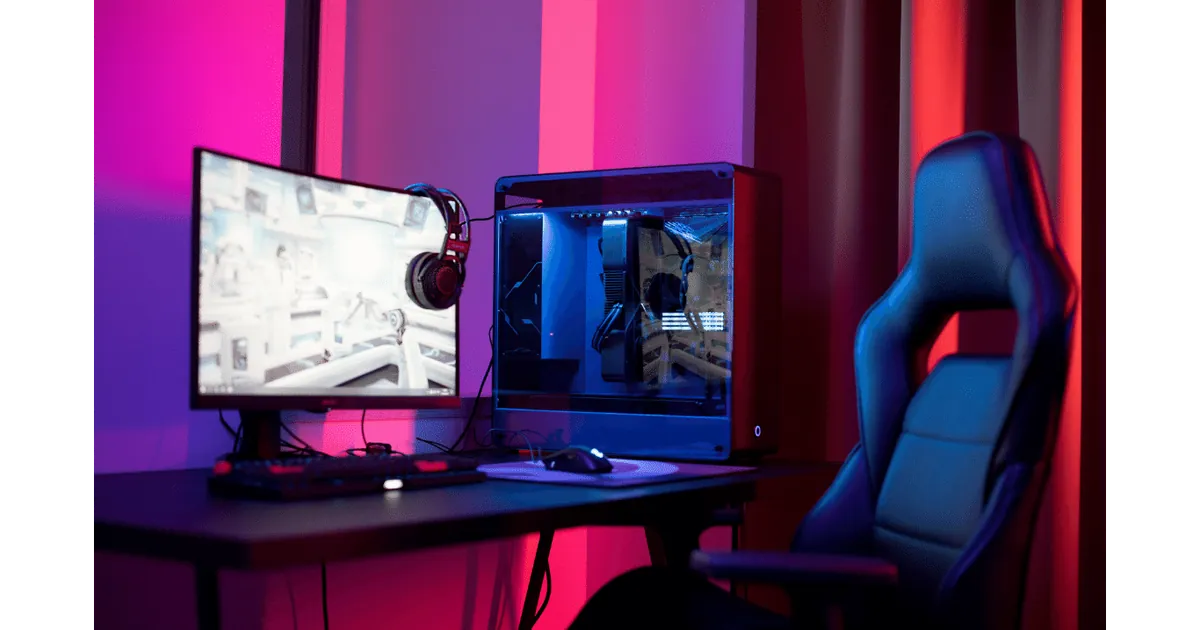
What is a Desktop PC?
A desktop PC consists of a tower housing components including CPU, GPU, RAM, motherboard, fans/cooling, disc drives, and power supply. The monitor is separate.
Pros of Desktop Computers
- Customizability - easily upgrade individual components
- Repairability - individual components can be accessed and replaced
- Affordability - more affordable than all-in-ones
- Power and Cooling Capabilities - can accommodate powerful components
Cons of Desktop Computers
- Components need to be purchased separately
- Take up more space
- Difficult to move
What is an All-in-One Computer?
An all-in-one computer combines the processor, memory, video card, storage, monitor, and speakers into a single device.
Pros of All-in-One Computers
- Space-Saving
- Easy Setup
- Inclusiveness - user-friendly and accessible
Cons of All-in-One Computers
- Difficulty in repairing
- Limited upgradability
- Higher cost
- Limited power
Which is Right for You?
If customization, repairability, affordability, and power are important, choose a desktop PC. When issues arise with your desktop, professional computer repair Ottawa services can help with individual component repairs and keep your PC up to date. If space-saving, easy setup, and inclusiveness are priorities, choose an all-in-one. However, keep in mind that all-in-one systems may require specialized iMac repair Ottawa services when problems occur, as they're more complex to service than traditional desktops. For optimal performance of either system, consider computer optimization & speed-up services to maintain peak functionality.