Repair Guides & Tips
Expert solutions for all your computer, MacBook, and device repair needs.
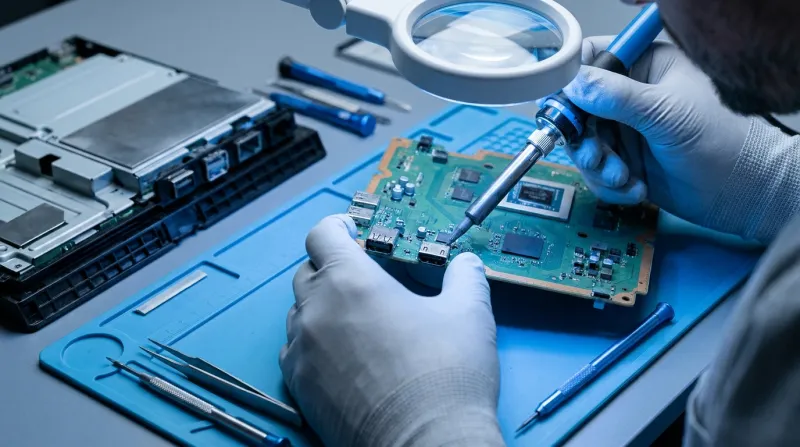
PS4 HDMI Port Damage: Original, Slim, and Pro Explained
Why PS4 HDMI ports fail, how the original, Slim, and Pro differ, and what happens at the board level when the port or the HDMI encoder gets damaged.

Is It Worth Repairing an Aging PS4 in 2026?
Your PS4 is acting up and you're wondering if it's worth fixing. Here's what the diagnosis usually looks like, and how to think through the decision.
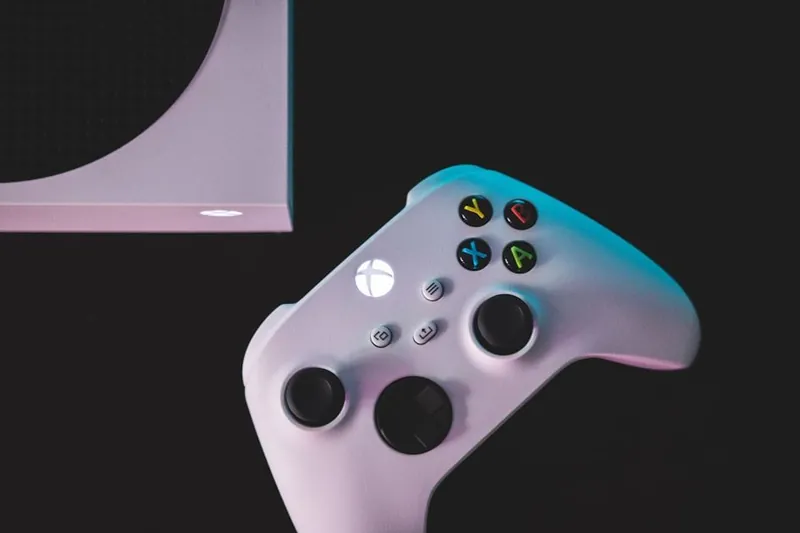
Xbox Controller Stick Drift: The Real Fix Explained
Stick drift isn't random wear. Here's the actual failure mechanism inside Xbox controllers, and what a proper fix actually involves.
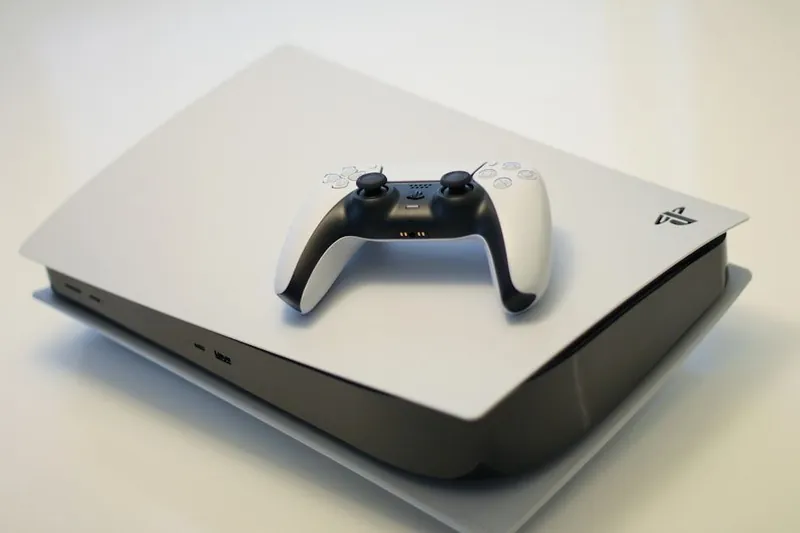
PS5 Overheating: Liquid Metal, Fans, and Dust Explained
Sony made a bold thermal design choice with the PS5. Here's what liquid metal actually does, why it fails, and what overheating really means for your console.

Industrial Control Board Repair: What's Actually Serviceable
Not all industrial control boards are worth repairing. Here's how to tell what's serviceable and what isn't.
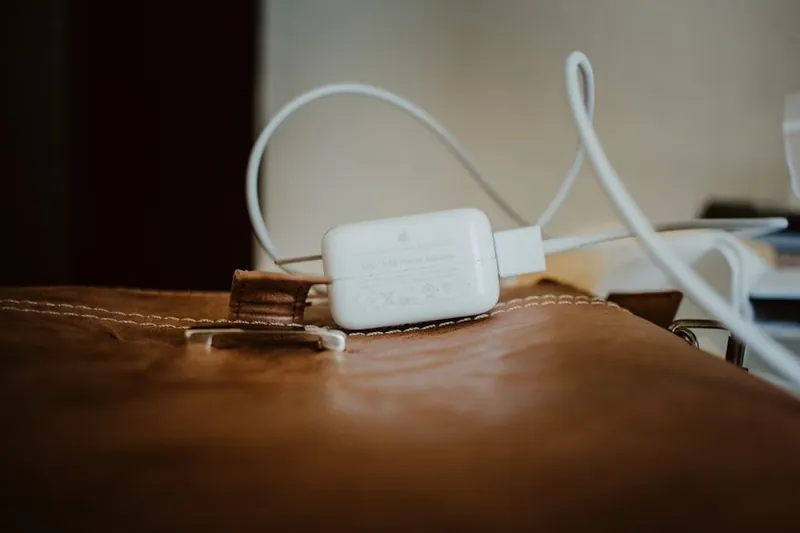
Common Laptop Charging Port Problems and What Causes Them
Explore the technical causes behind DC jack failures, USB-C connector issues, and charging circuit problems that plague modern laptops.
7 Warning Signs Your Computer Needs Professional Repair
Learn the key warning signs that indicate your computer needs professional repair before it's too late.
Backing Up Your Data: A Complete Guide for Ottawa Residents
Learn essential data backup strategies to protect your photos, documents, and files from loss with our comprehensive guide.
How to Protect Your Computer from Viruses: Essential Tips
Learn practical ways to keep your computer safe from viruses and malware with these easy-to-follow security tips from Orleans computer experts.
iMac Common Issues and Solutions: Your iMac Repair Guide
Discover the most common iMac problems and practical DIY solutions. Learn when to fix it yourself or seek professional help in Orleans, Ottawa.
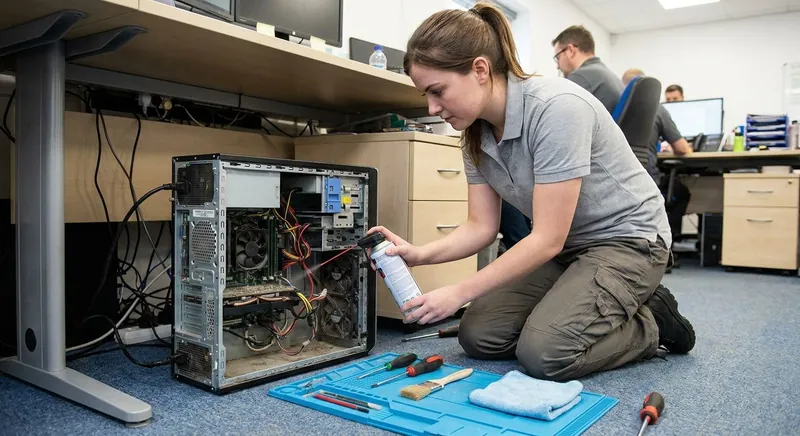
The Importance of Regular Computer Maintenance for Ottawa Users
Keep your computer running smoothly with regular maintenance. Learn essential tips to prevent costly repairs and extend your device's lifespan.

Common Causes of Computer Overheating & How to Fix Them
Learn the top reasons why computers overheat and simple DIY solutions to keep your PC running cool in Ottawa's climate.
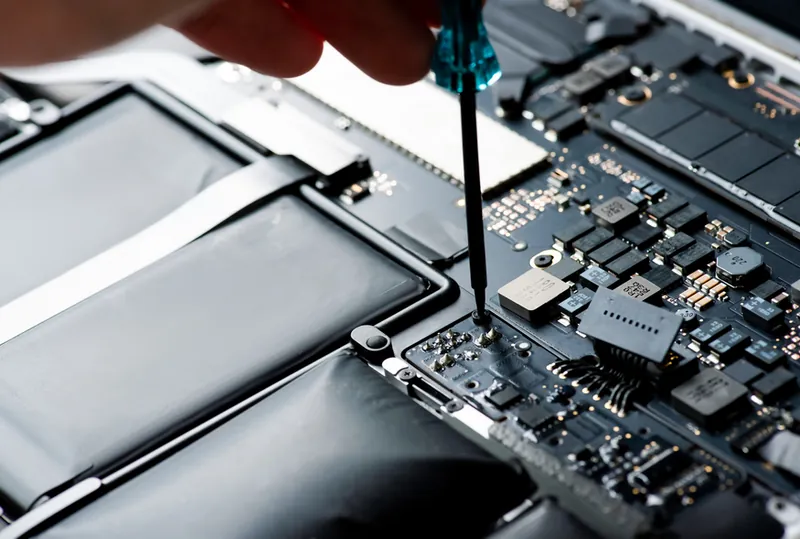
How to Choose the Right Computer Repair Shop in Ottawa
Don't trust your computer to just anyone. Learn the key factors to consider when choosing a reliable repair shop in Ottawa.
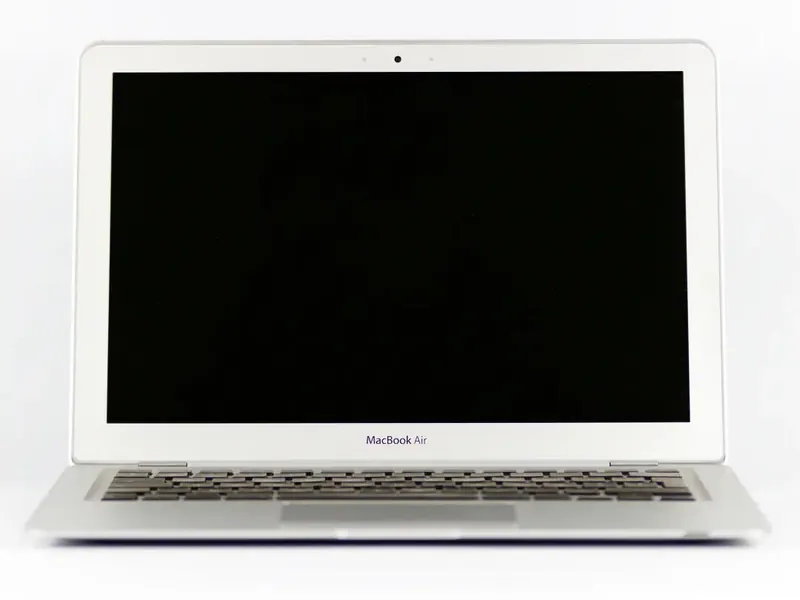
How to Fix Black Screen on MacBook
Seeing a black screen when you open your MacBook can be disorienting. The device seems to be powered on, but nothing appears on the display. This issue can be caused by anything from simple software b
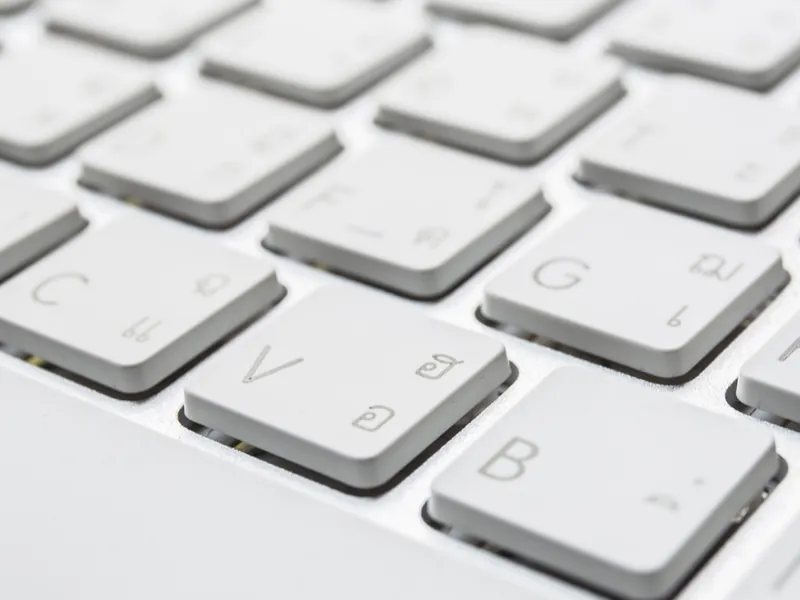
How to Turn On Keyboard Light On A Mac
MacBooks are built with user experience in mind, offering sleek design and intuitive functionality. One such feature is the backlit keyboard, which comes in handy while working in low-light environmen
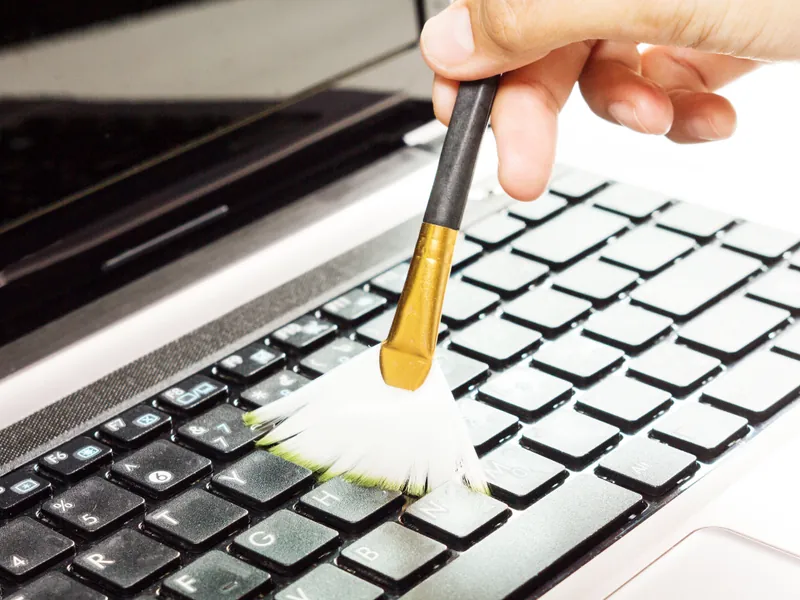
How to Clean Dust from Your A MacBook Pro
Keeping your MacBook Pro clean isn't just about appearances--it's essential for maintaining optimal performance and extending the life of your device. Dust buildup can block airflow, cause overheating
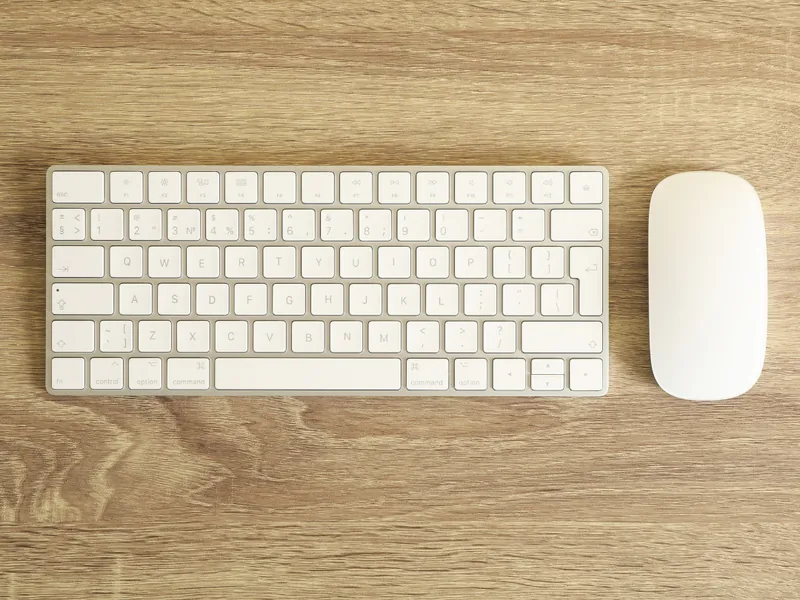
What To Do If Mouse And Keyboard Are Not Connecting To Your Mac
If your mouse or keyboard--especially a Magic Mouse or wireless keyboard--suddenly stops connecting to your Mac, it can disrupt your workday in a flash. This practical guide walks you through troubles
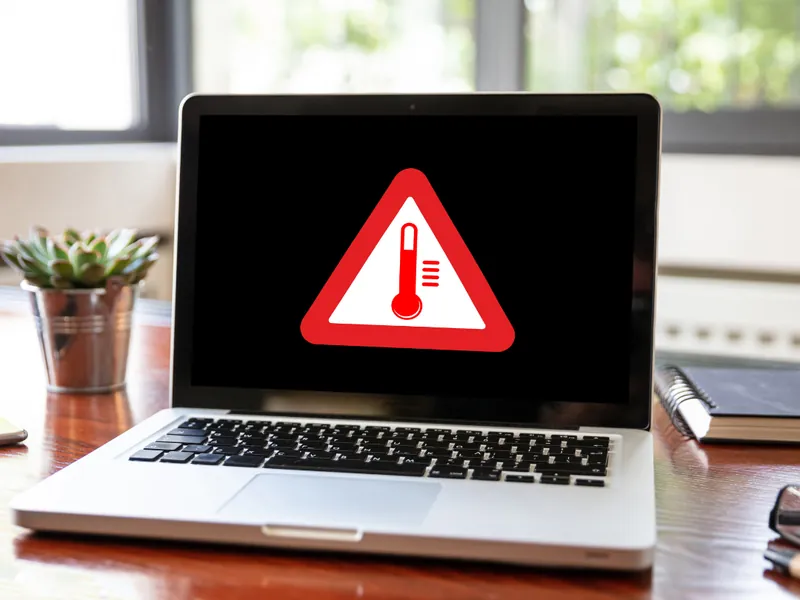
Why Does MacBook Get So Hot? Quick Fix and Prevention Tips
You're not alone if you've ever used a MacBook and felt like it was heating up faster than your morning coffee. Understanding the causes of overheating and learning practical steps to address it can e

What to Do if the Spacebar Is Not Working on Your Laptop?
The spacebar is one of the most frequently used keys on any keyboard. When it stops working, it can be incredibly frustrating.

How to Turn On Microphone on Mac: A Realistic Step-by-Step Guide
If you're trying to join a Zoom call or record a voice memo on your Mac and no one can hear you, you're not alone.
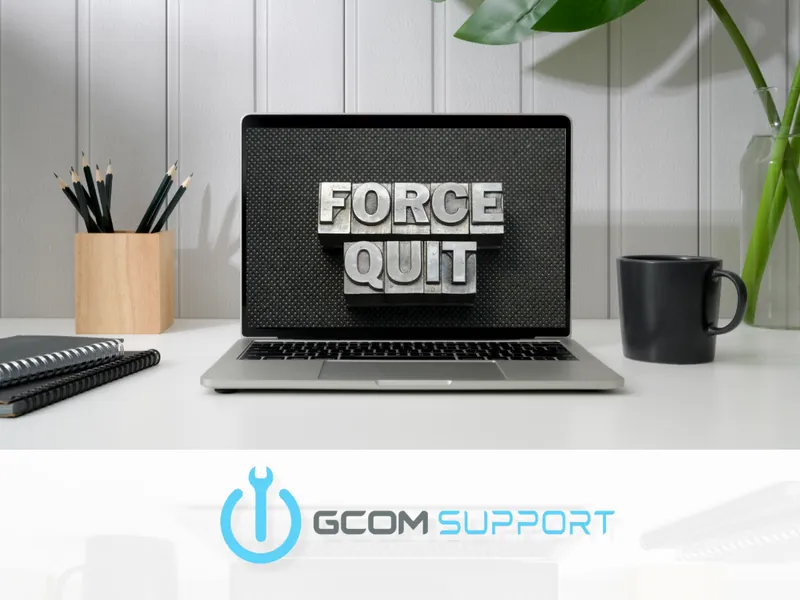
How to Force Quit on Mac with Keyboard: A Step-by-Step Guide
We've all been there--your Mac freezes mid-task, an app stops responding, and clicking the red "X" does nothing.

How to Fix Water Damage on a MacBook in Ottawa
Accidents happen--especially when you're working or studying with a cup of coffee or water nearby. If you're dealing with MacBook water damage in Ottawa, acting fast can make all the difference.

The Benefits of Managed IT Services for Small Businesses in Canada
Running a small business today means wearing a lot of hats--and keeping up with technology can feel like a full-time job in itself. That's where managed IT services for small businesses come in.
How To Solve Mac Not Connecting To WiFi Error?
Experiencing Wi-Fi issues on your Mac can be frustrating. If your Mac is not connecting to Wi-Fi, there are several proven methods to fix the issue.
Does Having Too Many Tabs Open Slow Down Your Computer?
The answer is yes. The more tabs you have open, the more your computer has to work to keep them running.
7 Ways to Reduce PC and Laptop Lag With Quick Fixes
Experiencing lag on your PC or laptop can be incredibly frustrating. Here are seven effective ways to improve your computer's performance.

Repair vs. Replace: Why Opting for Computer Repair Could Save You Money and Reduce E-Waste
Deciding whether to repair or replace your computer can be a tough choice. Repairing your device is often a cost-effective option that helps extend its lifespan while reducing e-waste.
Expert PC Repair Ottawa - Swift and Reliable Service
At GCOM Support, we understand the inconvenience that a malfunctioning computer can cause. That's why we've dedicated ourselves to delivering exceptional pc repair Ottawa services.
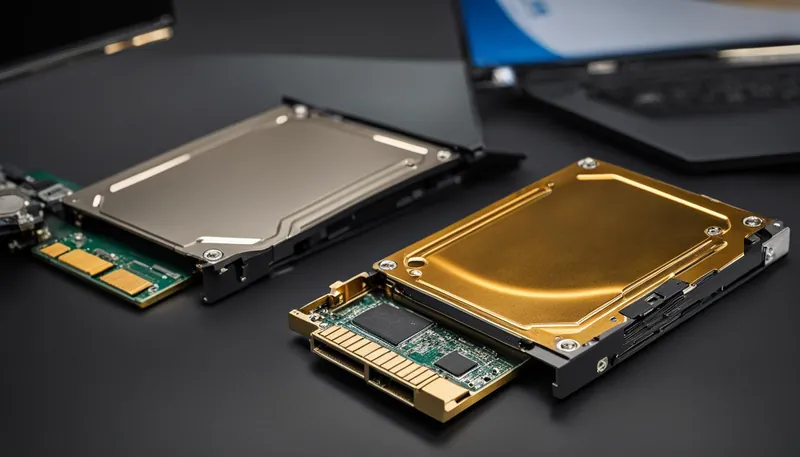
Hard Drive vs SSD: Speed & Durability Compared
A hard disk drive (HDD) uses magnetic disks called platters to store data. HDDs have moving parts including spindles, read/write arm, and actuator.
All-in-One vs Desktop: Which is Best for You?
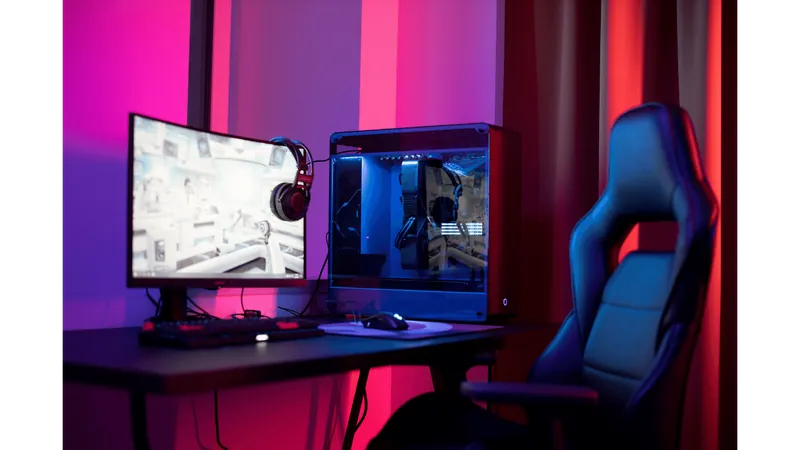
A desktop PC consists of a tower housing components including CPU, GPU, RAM, motherboard, fans/cooling, disc drives, and power supply. The monitor is separate.
Laptop vs Desktop: Which is Best for You?
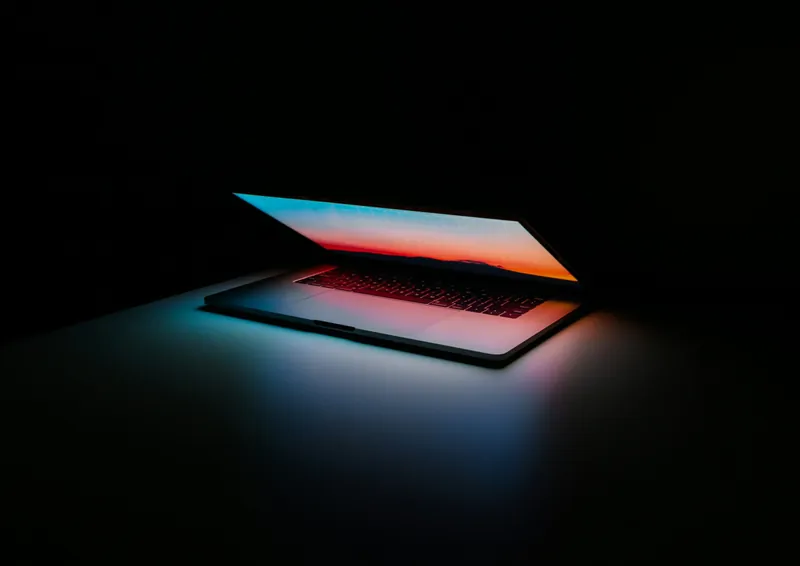
Laptops combine the functionality of a desktop PC into one compact design. Features include portability, all-in-one design, built-in battery, embedded webcam, energy efficiency, and ergonomics.