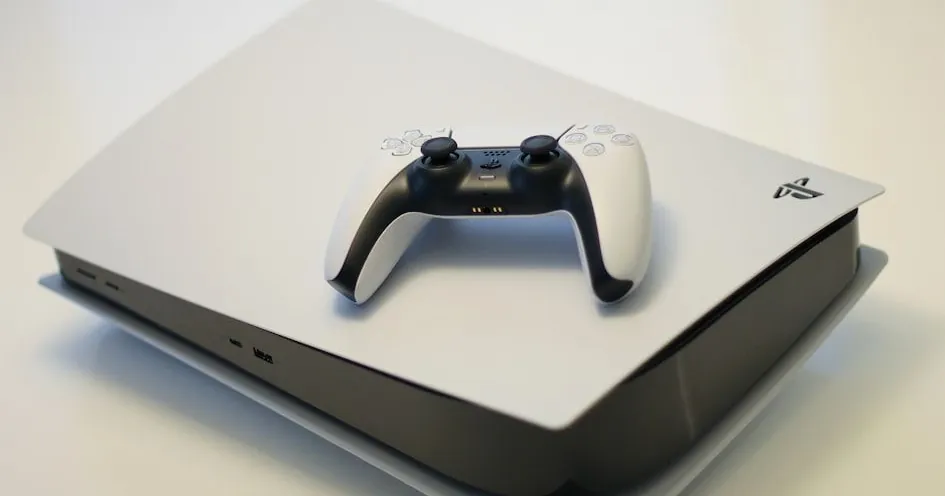
Sony shipped the PS5 with liquid metal as its CPU/GPU thermal interface material. That was a genuine engineering leap, and for most consoles, it works exactly as intended. But liquid metal behaves differently than traditional thermal paste, and when things go wrong, the failure modes are more involved than a simple re-paste.
If your PS5 is shutting down from heat, running its fan at full blast, or showing the PS5 overheating warning, understanding what's actually happening inside the machine helps you make a smarter decision about what to do next.
What Liquid Metal Actually Does
Conventional thermal paste is silicone-based with suspended metal particles. It fills microscopic gaps between the processor and heatsink, improving heat transfer. Liquid metal, by contrast, is a gallium-based alloy that stays in a liquid state at room temperature. Its thermal conductivity is roughly ten times higher than standard paste.
Sony uses liquid metal on the PS5's APU (the combined CPU and GPU die) because the chip runs hot and the console is designed to stay compact. Getting heat off that die quickly matters, and liquid metal gives them an edge that paste simply can't match.
The tradeoff is that gallium alloys are electrically conductive and chemically reactive. If liquid metal migrates off the die, it can short nearby components on the board. It also reacts with aluminum over time, which is part of why Sony uses a copper heatsink rather than aluminum in the PS5.
Why Liquid Metal Fails Over Time
Several things can cause the liquid metal to degrade or migrate:
Pump-out and migration
Repeatedly heating and cooling a thermal interface material causes it to move. With paste, this is mostly a thermal conductivity problem. With liquid metal, migration toward the board edge or under nearby components is a more serious concern. This tends to happen gradually over years of use rather than all at once.
Oxidation
Gallium alloys oxidize when exposed to air, forming a skin that reduces thermal transfer. In a well-sealed application this happens slowly, but any inconsistency in the original factory application can accelerate it.
Improper orientation or drops
Liquid metal responds to gravity. The PS5 is designed to operate both vertically and horizontally, and Sony engineered the heatsink contact area with this in mind. Physical shocks, like a console being knocked over, can shift the liquid metal in ways that affect coverage.
When liquid metal fails, the APU no longer sheds heat efficiently. The console compensates by ramping the fan harder. Eventually it hits a thermal threshold and shuts down to protect the hardware.
The Fan and Airflow Side of the Problem
The PS5 uses a large dual-sided fan to move air through the heatsink. On a clean console, this works well. Dust is where things get complicated.
Dust accumulation on the fan blades, heatsink fins, and intake vents reduces airflow without necessarily triggering an obvious warning. The console may run warmer than intended for months before overheating becomes frequent enough to notice. Fan noise is often the first signal, especially on older units where the fan is working harder to compensate for restricted airflow.
Sony designed the PS5 with accessible dust catchers at the base of the console. These are easy to remove and clean without opening the machine. The internal heatsink fins are a different matter. Cleaning those properly requires disassembly.
For context on how dust buildup affects electronics more broadly, the common causes of computer overheating post covers the underlying mechanics well, even though the specifics differ between a PC and a console.
What "Overheating" Can Actually Mean
Not every PS5 thermal shutdown points to liquid metal failure. Diagnosis matters before any thermal work is done. The possibilities include:
- Dust-clogged heatsink or fan (most common, easiest to address)
- Degraded or migrated liquid metal on the APU (requires disassembly and re-application)
- Fan bearing wear causing reduced RPM at a given load
- Board-level issues causing abnormal power draw (less common but worth ruling out)
A console that overheats only during extended high-load sessions in a warm room is a different situation than one that shuts down within ten minutes of startup. The pattern of shutdowns, combined with what the fan sounds like and how old the unit is, gives a technician useful information before the console is even opened.
Our PS5 overheating repair service covers thermal diagnosis, heatsink cleaning, and liquid metal re-application where needed.
What Re-Applying Liquid Metal Involves
Liquid metal service on a PS5 is not the same as re-pasting a laptop. The APU die must be carefully cleaned of the old material without contaminating surrounding components. The new application has to be sized and spread precisely, because too much liquid metal creates the same migration risk as degraded material.
This kind of work sits at the intersection of micro-soldering and board-level repair, not because soldering is involved in the thermal service itself, but because the technician needs to be comfortable working at die level with electrically conductive materials near live board traces. If liquid metal has already migrated onto the board, cleaning that up without causing further damage requires the same level of care.
For anyone dealing with a related console issue, our gaming console repair hub covers the full range of PS5 and other platform repairs we handle.
Preventing the Problem
The most practical thing a PS5 owner can do is manage airflow and dust. Keep the console in a ventilated space, clean the external dust catchers every few months, and avoid running it in enclosed cabinets. PlayStation's own support documentation covers the official cleaning guidance.
Liquid metal degradation is harder to prevent because it's partly a function of time and thermal cycles. Consoles that run frequent long sessions will accumulate more cycles faster. There's no maintenance a user can do at home to address the liquid metal itself without opening the console and accepting the risk of migration damage if it's not handled correctly.
Getting It Looked At
If your PS5 is shutting down from heat or running louder than it used to, it's worth having the thermal system properly assessed before the problem compounds. GCOM Support handles PS5 thermal work out of Orleans, and we're happy to take a look and give you a clear picture of what's actually going on before any work is done. You can book a service appointment online or stop by 3735 St. Joseph Blvd.